Why do I have to reset my password every time?
Auto-fill or Auto-complete
If you are using your browser's password auto-fill feature, you will need to manually update your auto-fill settings each time you reset your password. To determine whether your auto-fill is turned on, go to https://loop.getwellnetwork.com and check if your email and password are already in the login fields.
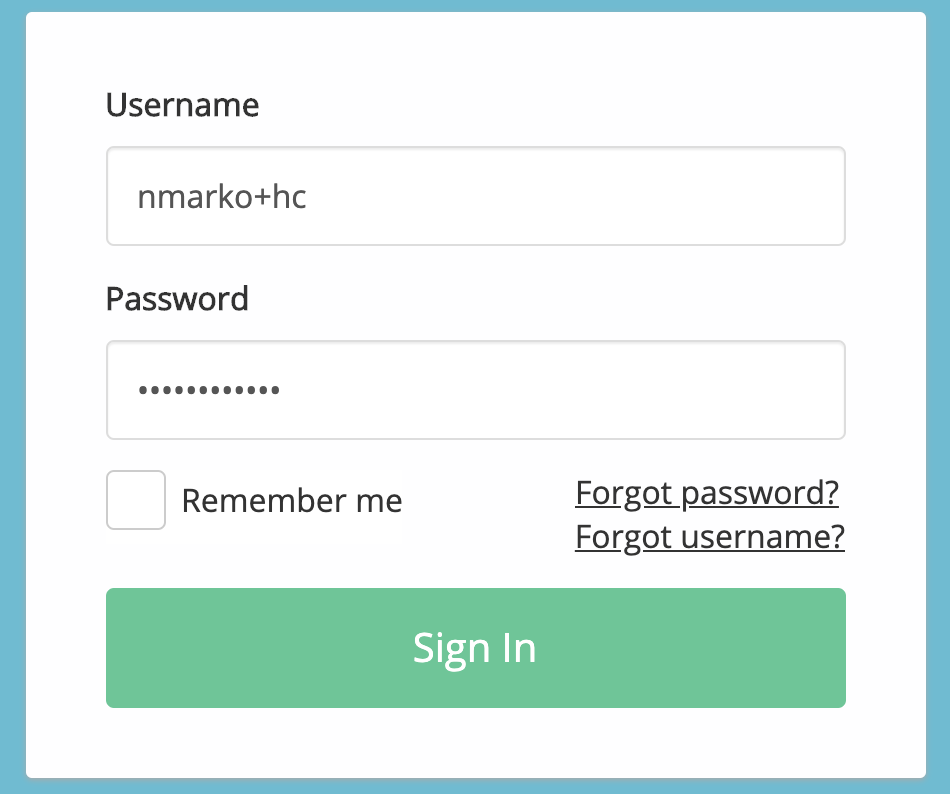
We recommend attempting to login in manually at this login screen. If your browser auto-populates the username and password information, delete the information in both fields and enter your GetWell username and password.
If you are still unable to access your account after trying a manual login, you may have to reset your password.
"Remember me"
The "Remember me" feature allows us to fill in your GetWell username for you on the login page to make signing in more convenient. If you use the "Remember me" feature, please check that your username is the correct one associated with your GetWell Loop account and that it does not contain any typos. If the username is incorrect and this feature is turned on, you will get the error message that there is a problem with your username and password.
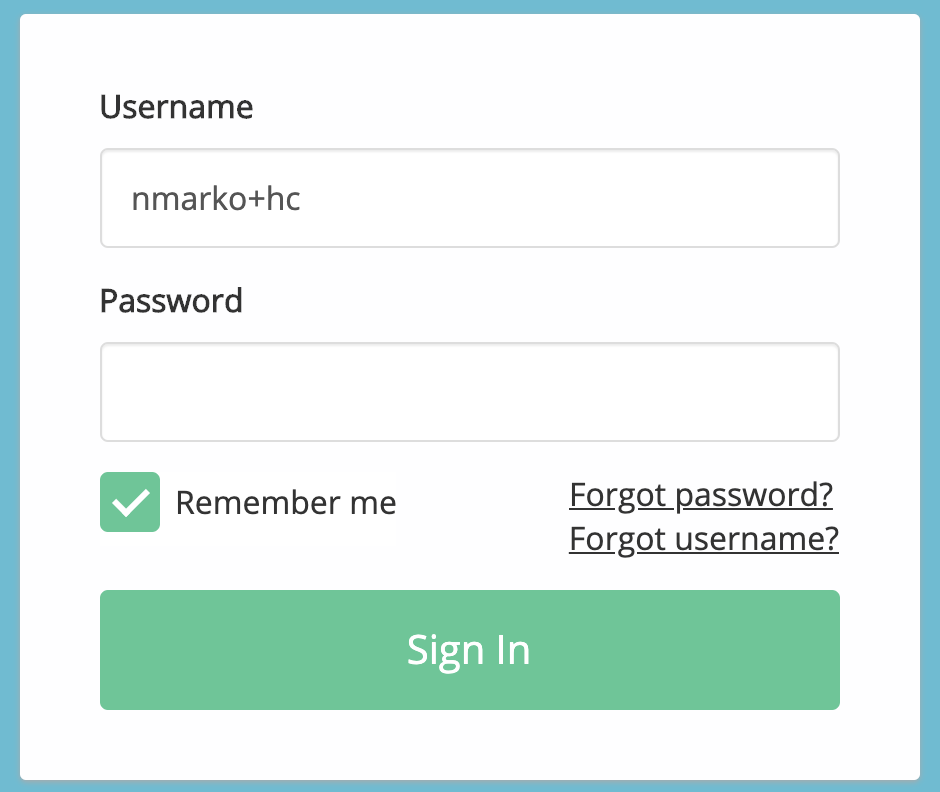
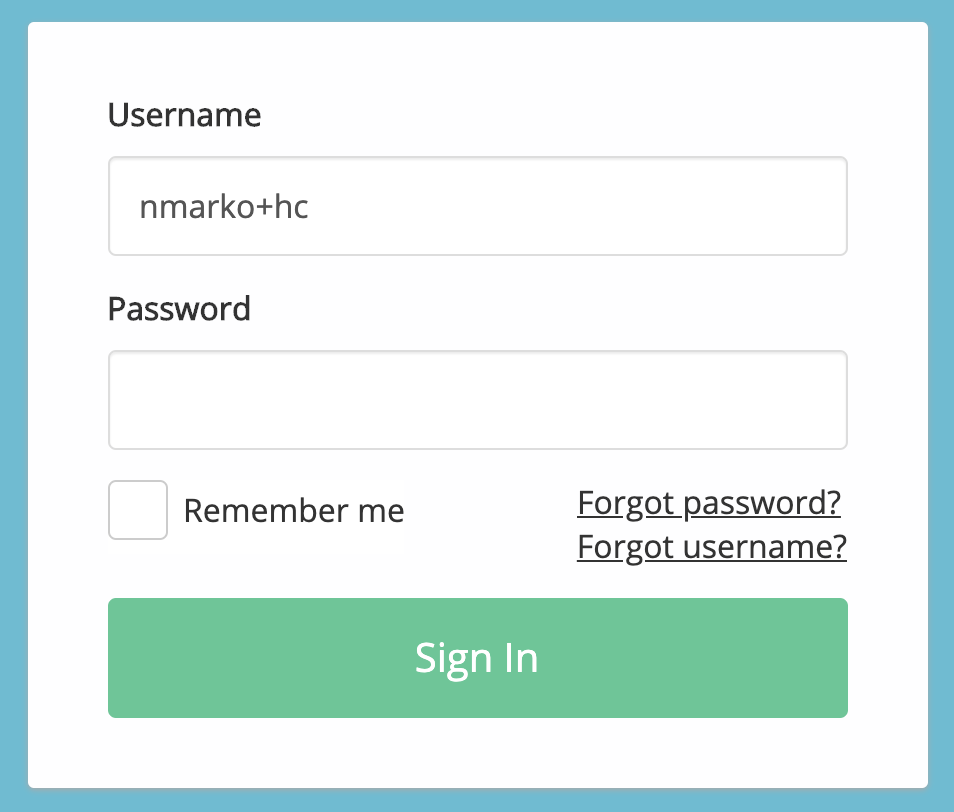
To turn it off, uncheck the box to the left of "Remember me".
If you are not using your browser's password auto-fill or "Save Email Address" features above and you continue to be prompted to reset your password when you login next time, please contact us at using the Support link on the GetWell Loop site.