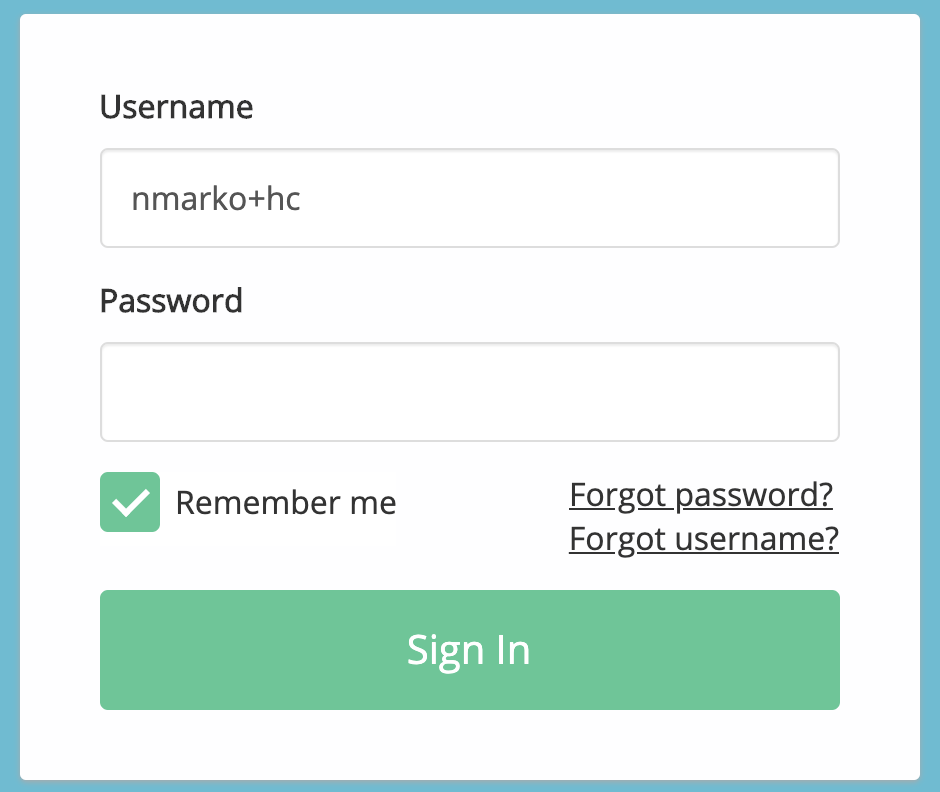
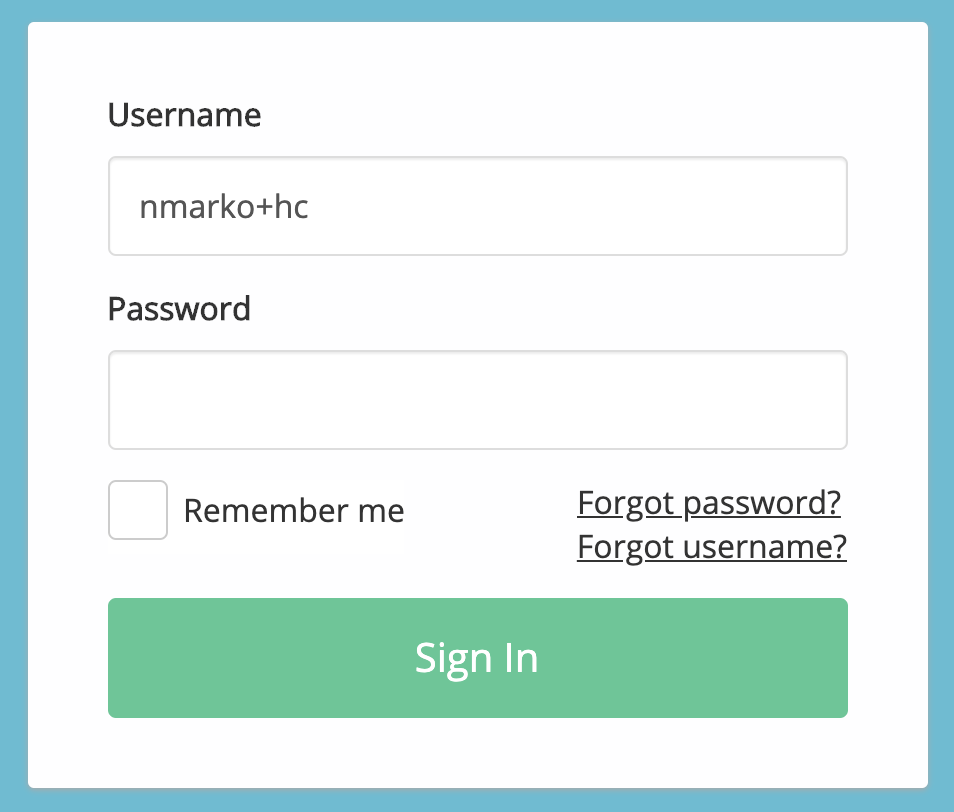
How do I use the "Remember me" feature when logging in?
The "Save Email Address" feature allows us to fill in your email address for you on the login page to make signing in more convenient. If you turn this feature on, you will not need to enter your email address every time you log in.
To turn this feature on, enter in your email address in the "Email" field. Click the grey "OFF" toggle under the login fields. This will switch it to the blue "ON" toggle.
Tip: Check that your GetWell username is the correct one associated with your GetWell Loop account and that it does not contain any typos. If the username is incorrect and this feature is turned on, you will get the error message that there is a problem with your username and password.