How do I check in to update my Loop?
By answering a few questions in GetWell Loop, you can let your doctor and care team better understand your progress and how you are feeling throughout your care.
There are two ways to check in:
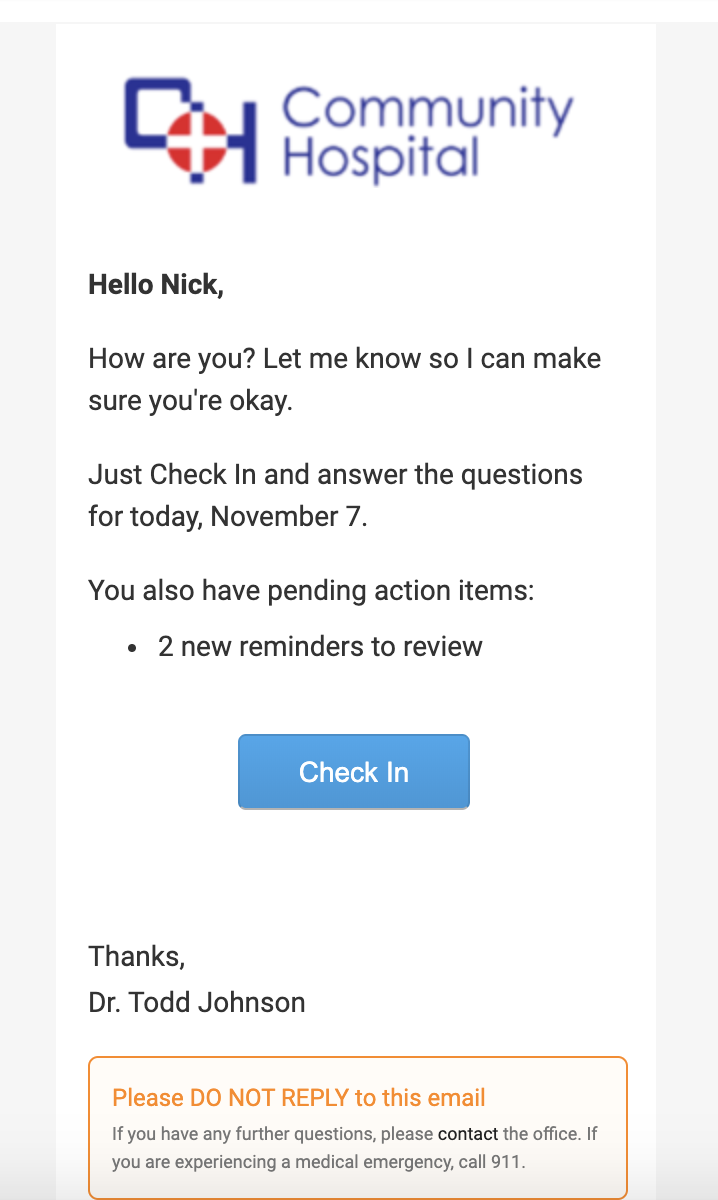
- Click the blue "Check In" button in your GetWell Loop Check In email. This will open up the GetWell Loop app or website, and you can answer the questions directly. You are sent GetWell Loop email notifications when there are new check in questions available.
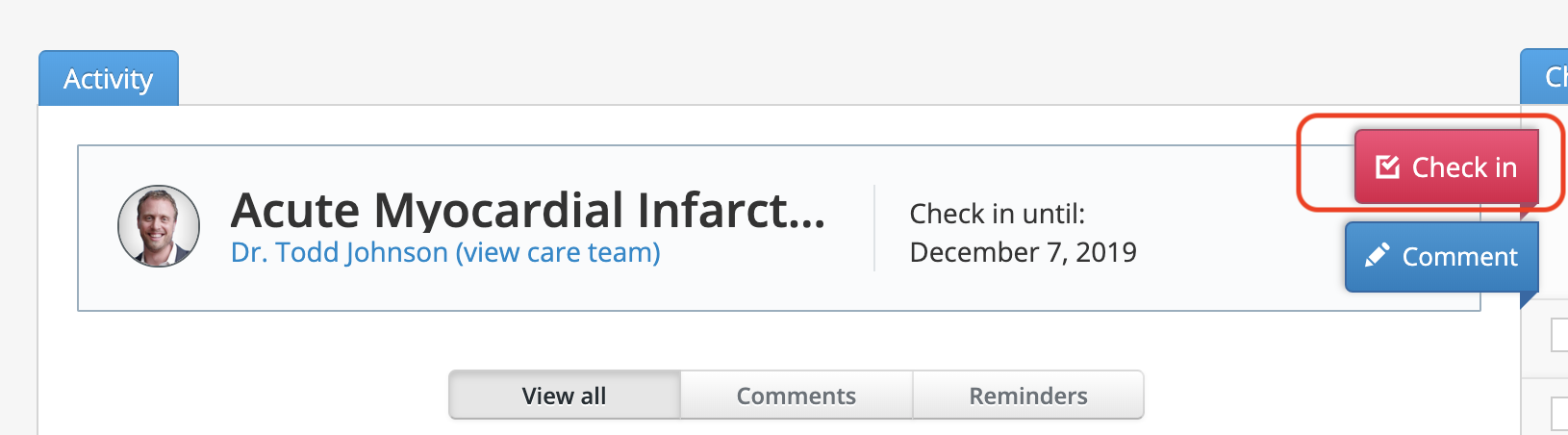
- Log into GetWell Loop at https://loop.getwellnetwork.com/. You will see a red "Check In" button on the profile header. Click this button to answer the pending questions.