How do I add or change my preferred name?
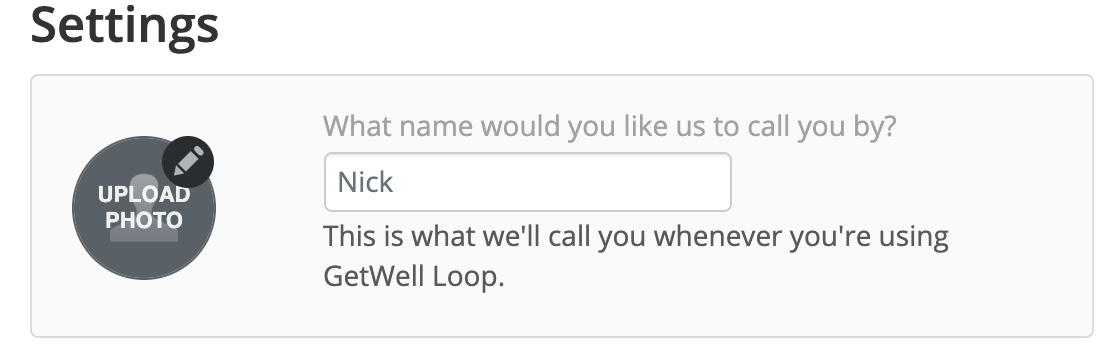
To personalize your GetWell Loop profile, you can add a nickname or other name that you prefer to be called by to the "preferred name" section. Your preferred name will be displayed to your care provider and will also appear in your Activity Feed.
If you would like to add or change your preferred name, please follow the steps below:
- Go to the GetWell Loop login page: https://loop.getwellnetwork.com/
- Sign into your GetWell Loop account with your unique username and current password.
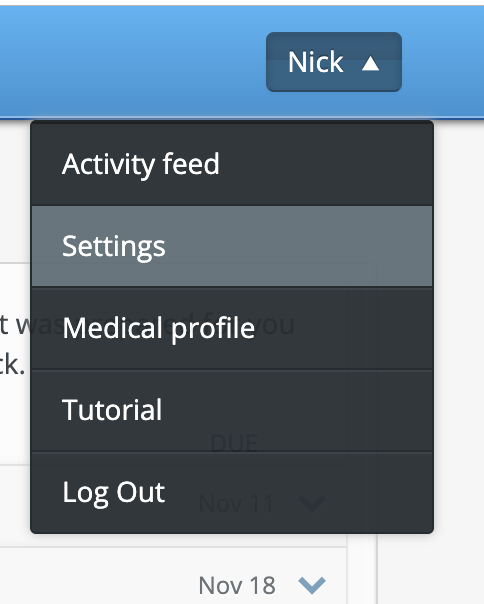
- Click on your name on the top right of the screen, and select "Settings" in the drop down menu.
- Under "My Profile" section, click on the field below "Preferred name."
-
Type the name that you would like to be displayed in your GetWell Loop account.
Note: your legal first and last name will remain unchanged in the medical record.
- Click the "Save" button to save your new password.